Turn Notifications
Into Insights.
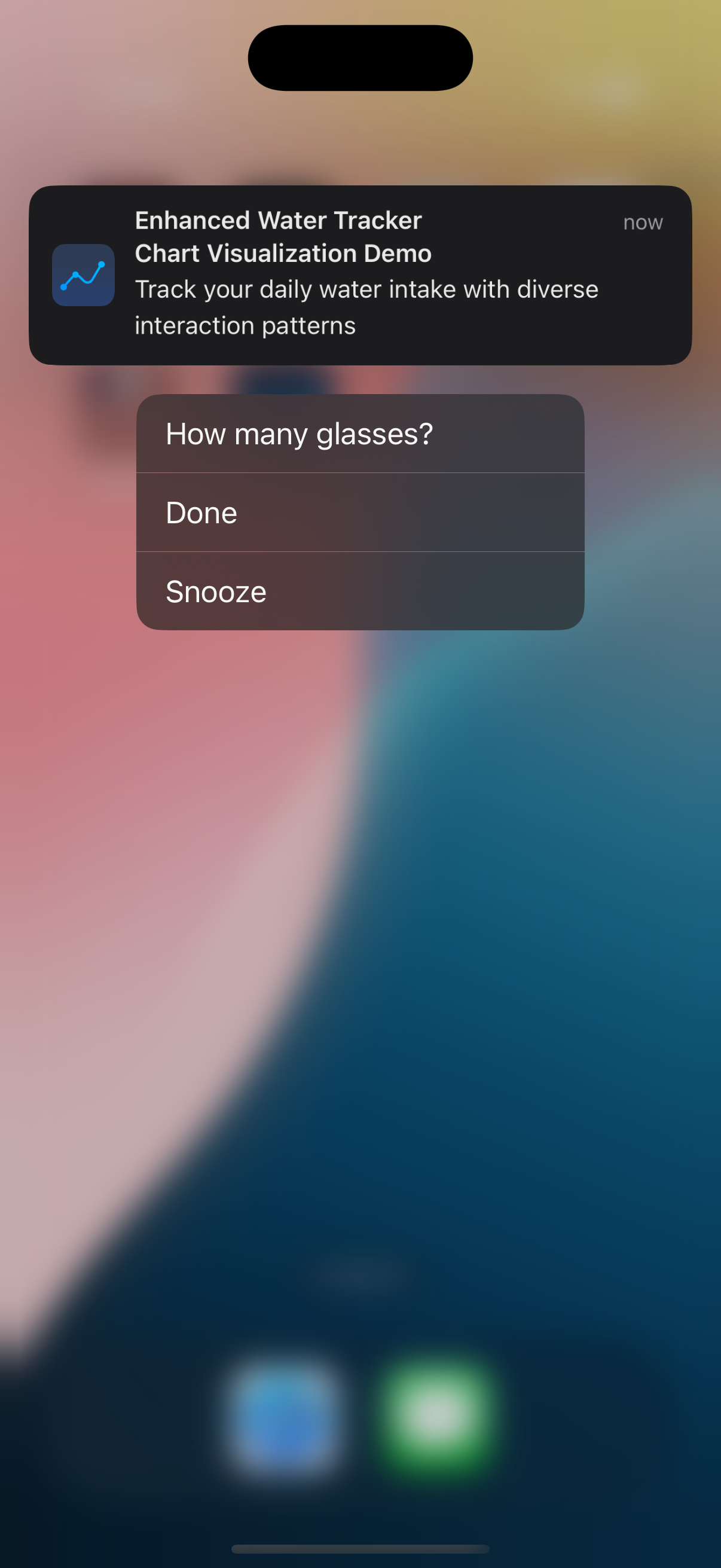
Tracken transforms how you interact with your daily notifications. Schedule smart reminders, respond from the notification itself, and visualize your habits over time with timeline charts, heatmaps, and action analytics.
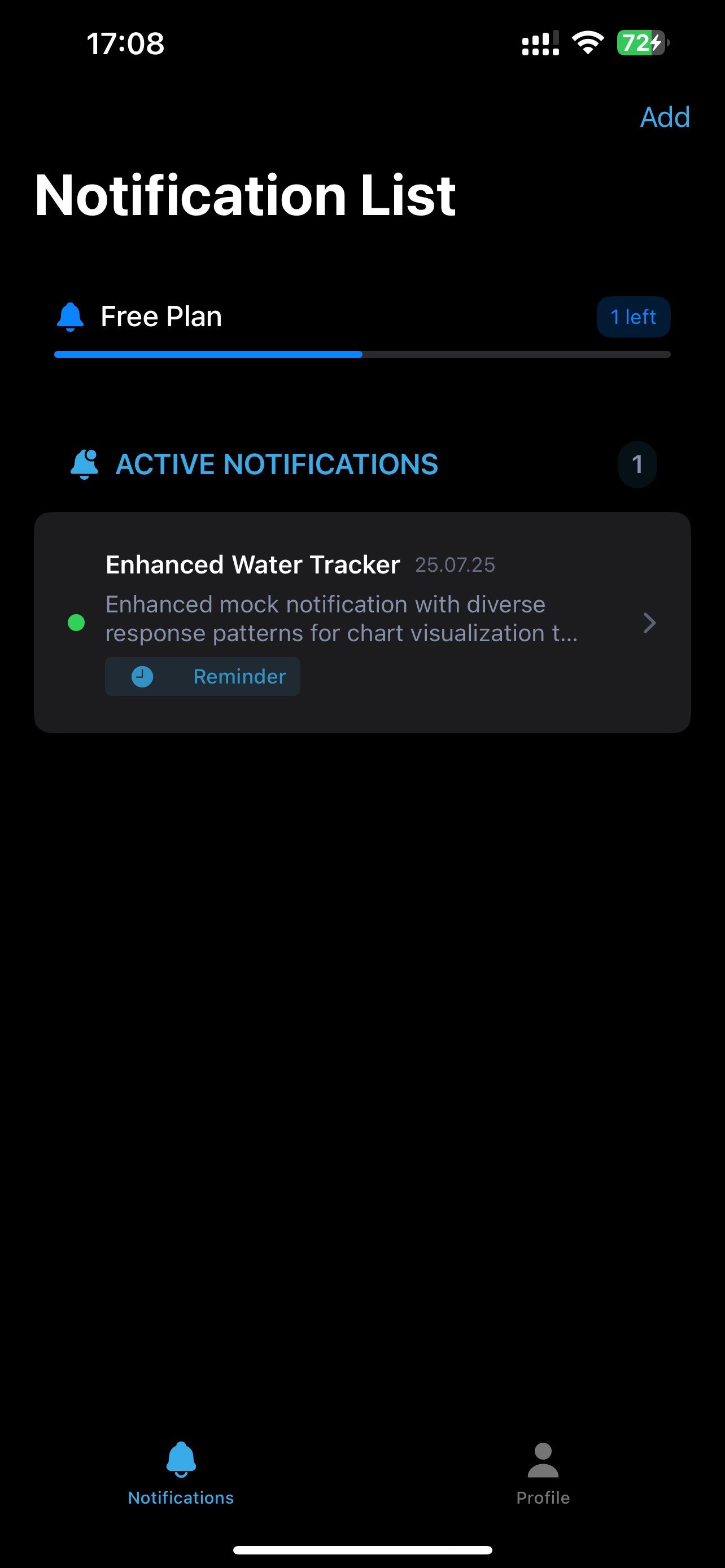
Smart Notification Scheduling
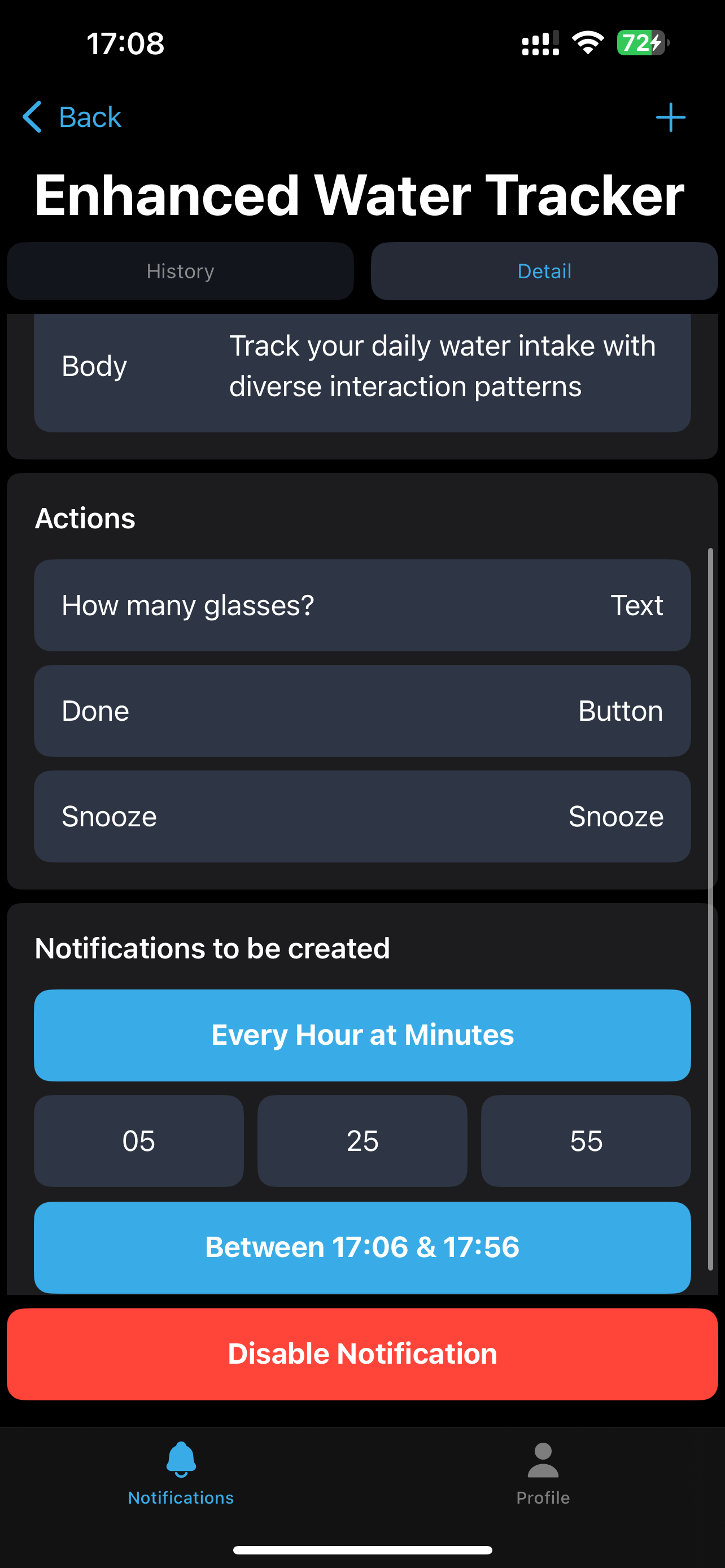
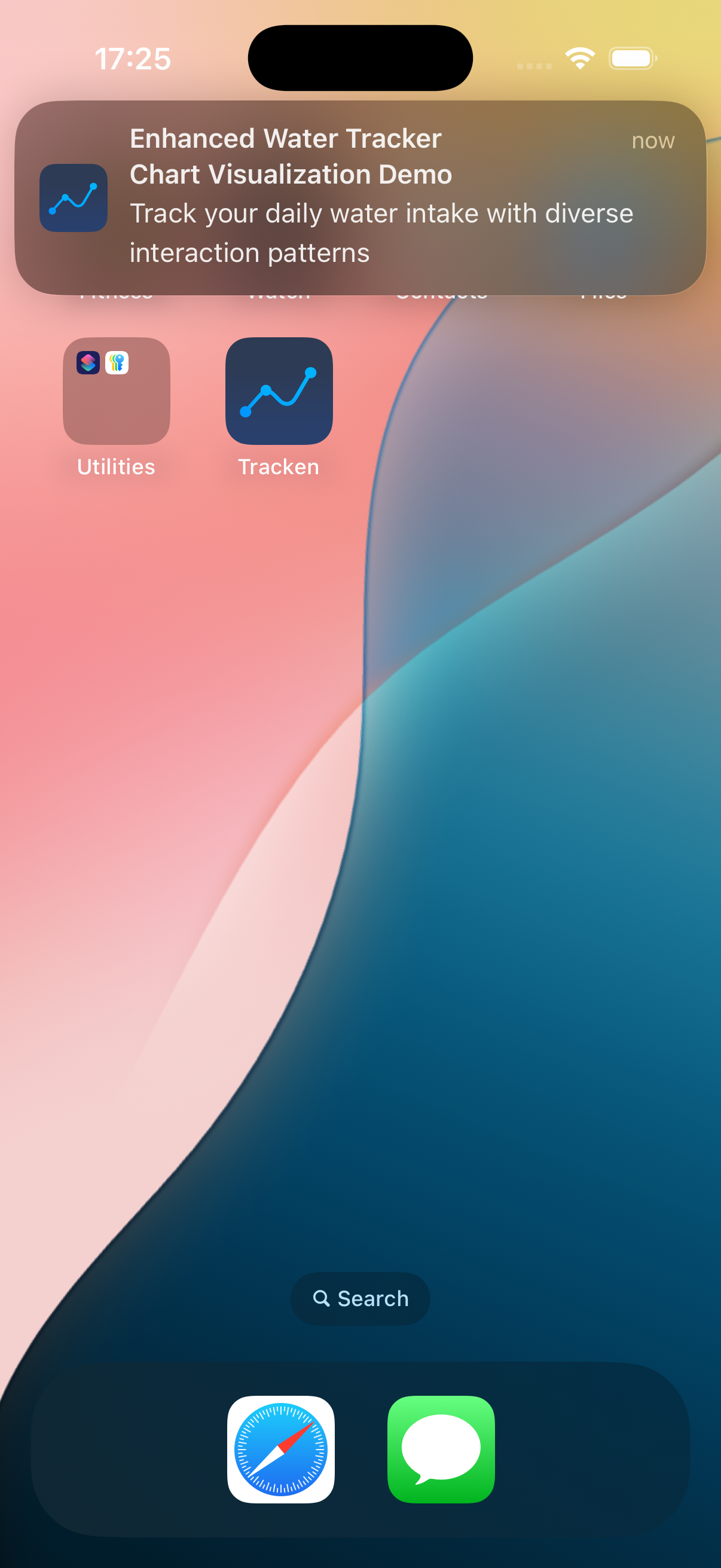
Create custom notifications with flexible scheduling, recurring reminders with intelligent timing, and multiple action types including buttons, text input, and snooze.
Comprehensive Analytics
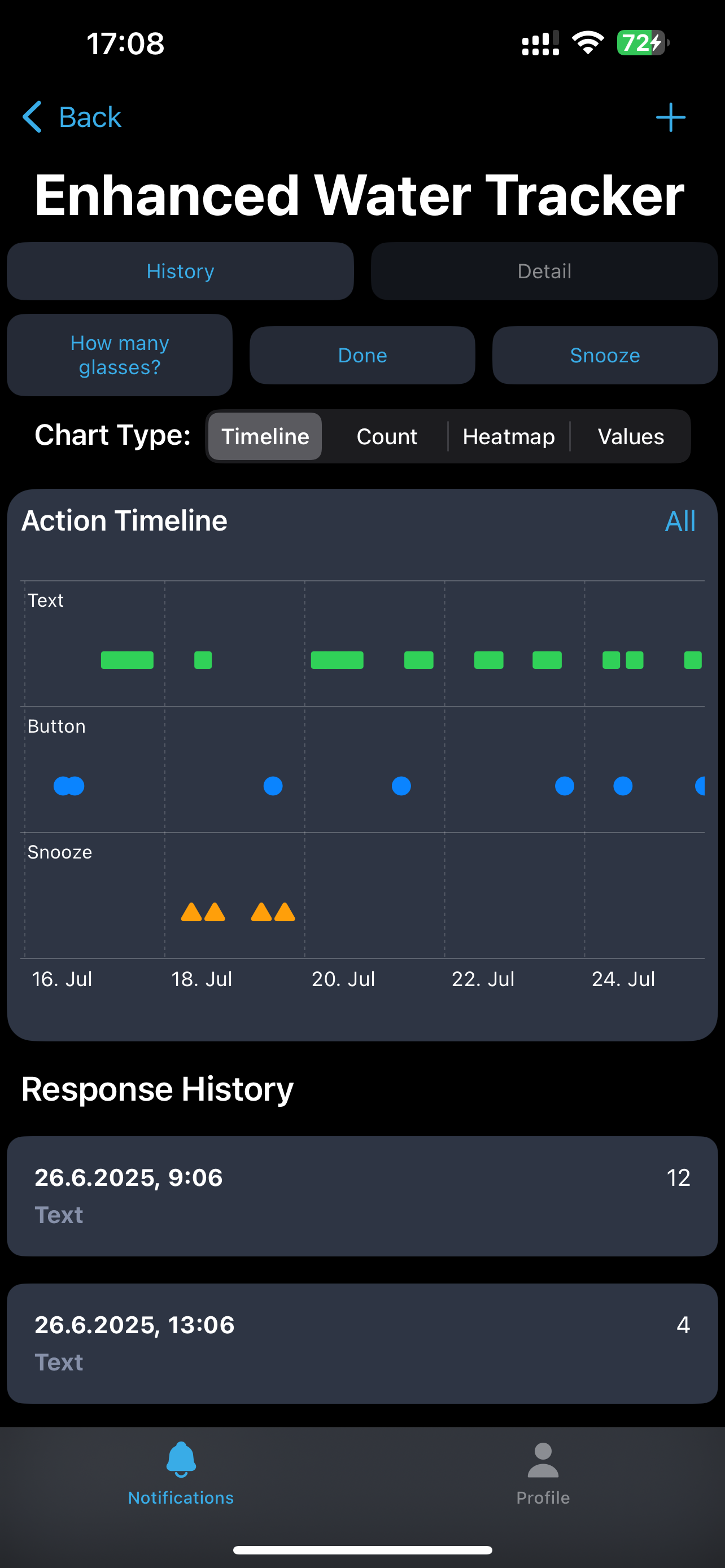
Timeline charts, action count visualization, activity heatmaps, and numeric value tracking with color-coded visualizations for easy pattern recognition.
Manual Response Input
Add responses manually when you miss notifications, choose from configured actions, and integrate seamlessly with your notification history for complete tracking.
Frictionless Experience
Anonymous authentication for immediate use with no setup friction. Automatic cloud backup and seamless upgrade path with full data migration.
Premium Features
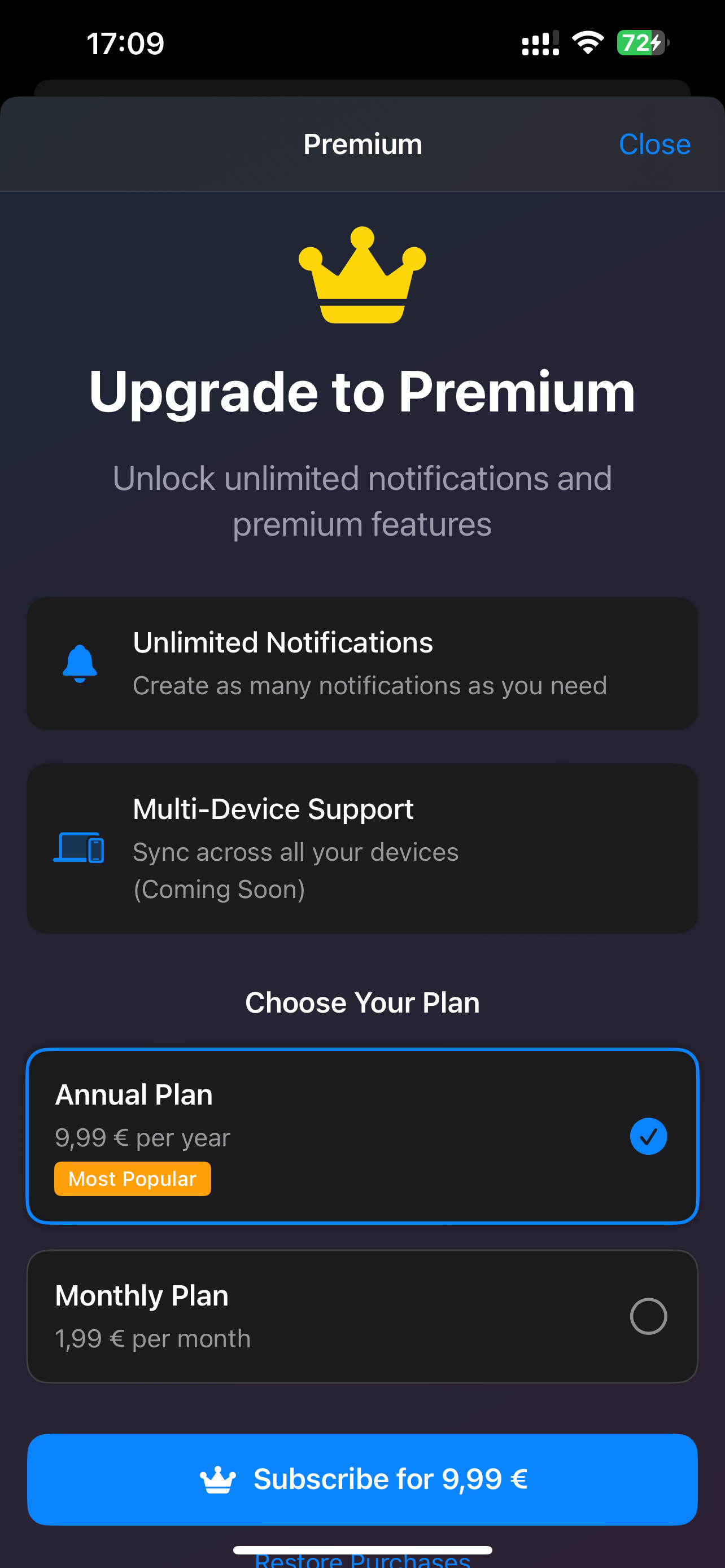
Unlimited notifications (free users get 2), advanced analytics and insights, priority support, and early access to new features via subscription.
Account Management
Multiple sign-in options (Email, Google), profile customization, premium status tracking, and secure Firebase authentication backend.
Timeline
See every response plotted over time — spot patterns across weeks at a glance.
Count
Bar chart of total actions taken per day — perfect for habit streaks.
Heatmap
A calendar grid colored by activity intensity — see your busiest hours and days.
Values
Track numeric responses over time — ideal for measurements like water intake.